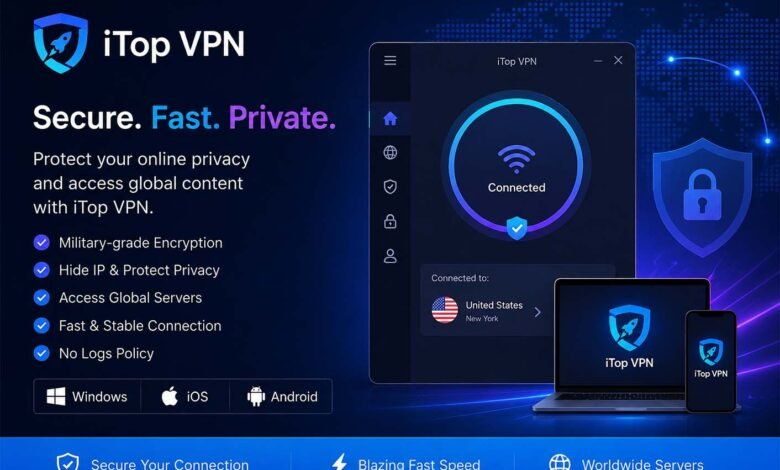

Online privacy and security have become increasingly important as more people use the internet for work, entertainment, shopping, and communication. Whether you are browsing from a Windows computer or using an iPhone or iPad, a Virtual Private Network (VPN) can help provide an additional layer of privacy while you are online.
However, with so many VPN services available, choosing the right option can sometimes feel confusing. In this guide, we will look at some of the important features to consider when choosing a VPN and how users can find a suitable solution for both Windows and iOS devices.
Why Use a VPN?
A virtual private network sets up a secure, encrypted link between your device and the internet.This can help protect your internet traffic, particularly when using public Wi-Fi networks such as those found in cafés, airports, hotels, or other public locations.
Many users also choose VPN services to improve their online privacy and access the internet more securely. The right VPN should be easy to use while offering useful security and privacy features.
When choosing a service, it is important to consider factors such as device compatibility, connection speed, ease of use, security features, and the availability of customer support.
Choosing a VPN for Windows
Windows remains one of the most widely used operating systems in the world, making VPN compatibility an important consideration for many users. A good Windows VPN should have a simple interface that allows users to connect without dealing with complicated technical settings.
For users looking for a solution designed for Windows devices, iTop VPN offers a dedicated VPN option for Windows users. A user-friendly application can be particularly helpful for beginners who want to protect their online connection without needing advanced technical knowledge.
When selecting a VPN for a Windows PC, users may want to look for features such as:
- Easy installation and setup
- Multiple server locations
- Strong encryption and security tools
- A simple and easy-to-understand interface
- Reliable connection performance
- Compatibility with different Windows versions
It is also worth checking whether the VPN provider regularly updates its software. Regular updates can help improve performance and ensure compatibility with newer operating system versions.
This solution also supports ARM‑based Windows hardware, comes with privacy‑focused tools like kill switch and split tunneling, and permits up to 8 simultaneous device connections under one account.
What About iPhone and iPad Users?
VPN protection is not only useful on desktop and laptop computers. Mobile devices are now used for many everyday activities, including online banking, shopping, social networking, and accessing personal accounts.
For Apple users, choosing a reliable VPN for iOS can help add an extra layer of protection when connecting to the internet. This can be especially useful when using public or unfamiliar Wi-Fi networks.
Before selecting an iOS VPN, users should consider whether the application is easy to install and manage. Mobile users generally prefer an app that allows them to connect quickly without navigating through complicated settings.
Other useful factors include connection stability, server availability, privacy features, and compatibility with the latest versions of iOS.
Its iOS edition brings handy features including Always‑On VPN, dark‑web leak monitor and split tunneling for better mobile‑oriented privacy protection.
Choosing the Right VPN for Your Needs
There is no single VPN that will be perfect for every user. The best choice often depends on how and where you use the internet. Someone who primarily uses a Windows PC may have different requirements from someone who mainly accesses the internet through an iPhone or iPad.
Before making a decision, take some time to compare the available features and choose a VPN that supports your preferred devices. Ease of use is also important because security tools are more effective when people can use them correctly.
It is also a good idea to review the provider’s features and policies before signing up. Consider your own privacy needs, the devices you use, and the type of internet connection you regularly access.
Final Thoughts
Using a VPN can be a practical way to add another layer of privacy and security to your online activities. Whether you are using a Windows computer or an Apple mobile device, choosing a service that is compatible with your device and easy to manage is essential.
By considering factors such as security features, usability, device compatibility, and connection reliability, you can make a more informed decision and select a VPN that fits your everyday browsing needs.