
Most people who use AI regularly end up doing the same clumsy thing. A ChatGPT tab, a Claude tab, Gemini open somewhere too. Different logins, different bills, a lot of copy-pasting between windows.
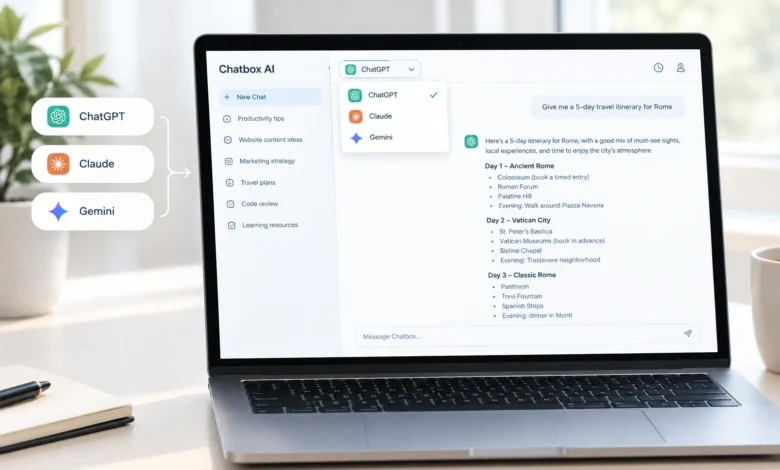
Chatbox AI tries to fix that by putting several models behind one account. Log in once, pick GPT or Claude or Gemini from a dropdown, and keep working without switching tabs.
We put it through real use for a while and our overall impression settled around 4.8 out of 5. We also went through Chatbox AI reviews on Trustindex. Switching models is smooth, the extra tools hold up, and the interface doesn’t get in the way. There’s a small learning curve to figuring out which model suits which task, but that comes with the territory of having options in the first place.
What It Actually Is
Cut through the marketing, and Chatbox AI is a front end sitting on top of several AI providers at once. Instead of paying for GPT, Claude, and Gemini separately, one account gets you all three, plus a few more. It’s connecting to the same APIs those companies sell directly, so you’re getting the real models, not some cheaper stand-in dressed up to look similar.
Switch from GPT to Claude mid-conversation and the writing style shifts noticeably. Different reasoning, different tone. A single relabeled model wouldn’t behave this differently.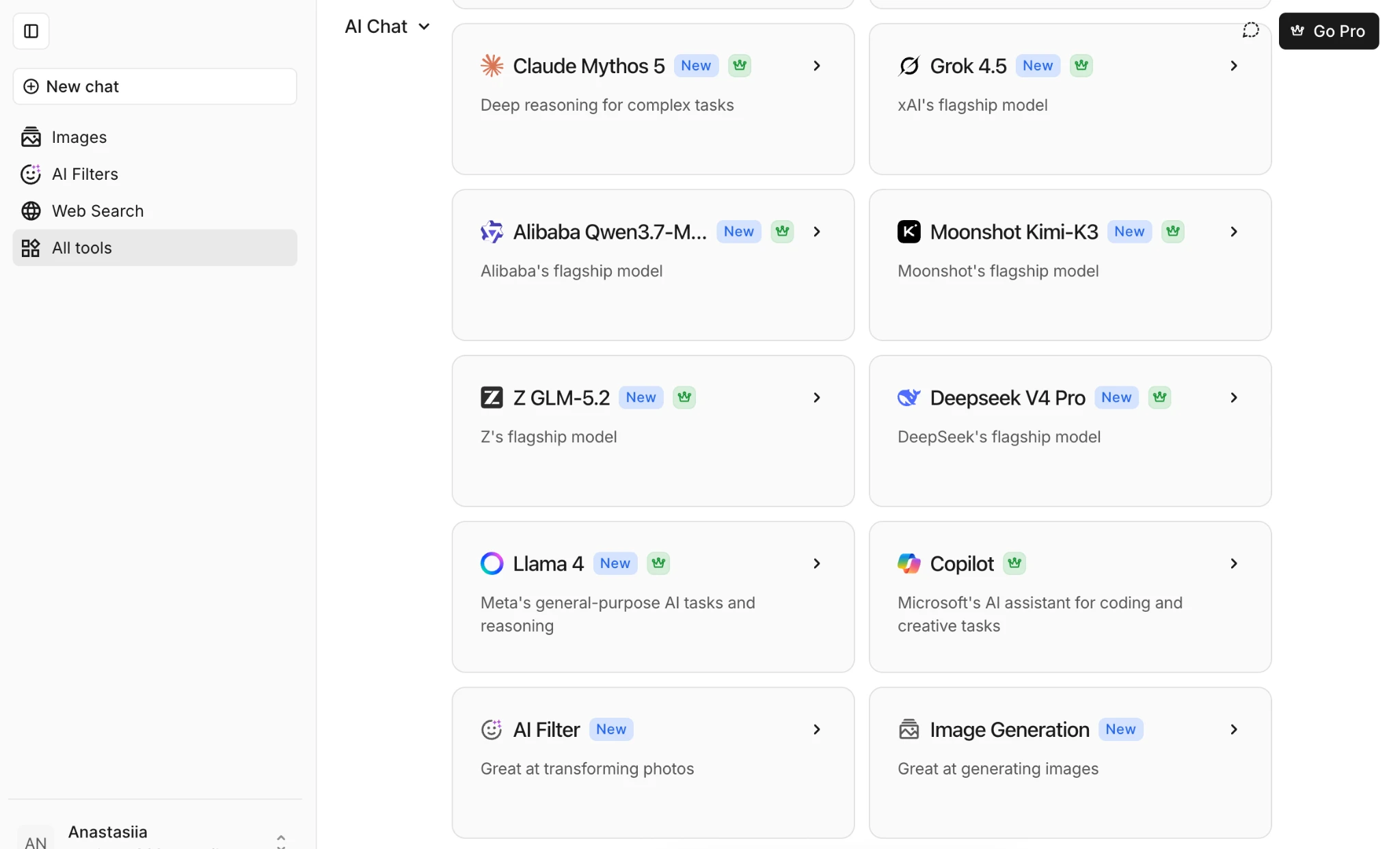
As of September 2026, Chatbox AI lets you switch between 48 AI modes from different AI assistants.
Getting In
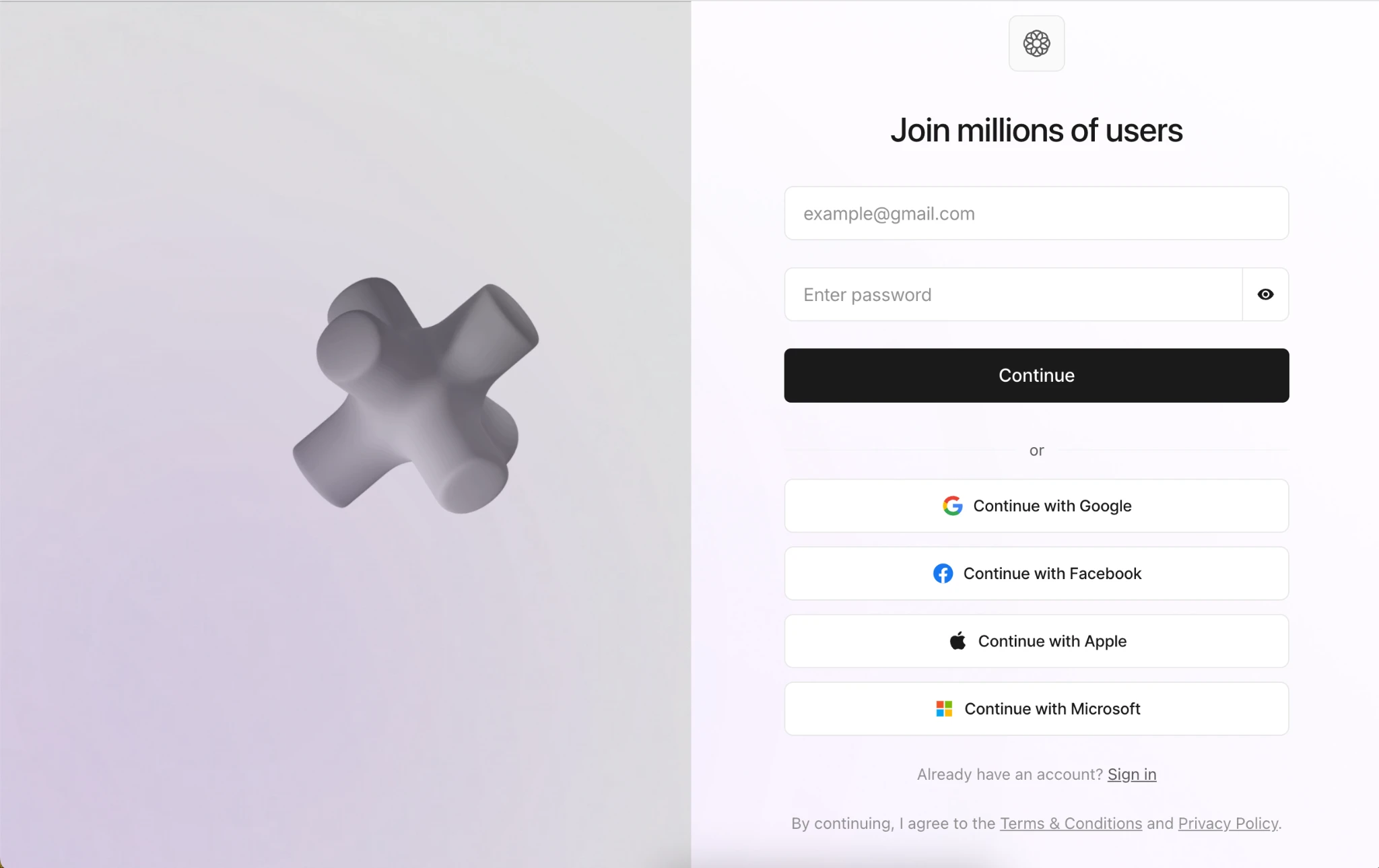
Sign-up takes a minute. Google, Facebook, or Outlook sign-on all work, or you can skip passwords entirely and log in with a code sent to your email. Either way, you’re in the chat window fast, with a model already picked and ready.
The layout stays clean. Sidebar for history, model picker up top, text box at the bottom. No cluttered dashboard pushing upgrades, no five-step tutorial you have to click through first.
It also carries over between devices. Start a chat on a laptop, pick it back up on a phone later, no exporting or copying text across. Small thing, but it matters if you’re switching between a laptop and your phone during the day.
Switching Between Models
You can switch between GPT, Gemini, Claude, Grok, and a few others depending on what’s currently live.
In practice, we leaned on different models for different jobs. Claude gave longer, more structured drafts that needed less editing before sending. GPT answered quick factual questions faster. Gemini leaned conversational. After a few days you stop thinking about it much, certain questions just go to Claude, others go to GPT.
Switching is instant too. Just pick a different model and keep typing. For anyone currently paying for two or three separate subscriptions just to have that flexibility, this alone might justify the switch.
Beyond Chat
Besides regular text chat, the platform also gives you:
- Image generation worked reliably in testing. Prompts came back close to what we asked for, not the vague near-misses cheaper tools tend to spit out. Fine for quick visuals or mockups, not a replacement for a dedicated image generator.
- Web search is built directly into chat. Ask about something recent, and it pulls current information instead of hedging with a knowledge-cutoff disclaimer. We tested it with a current-events question and got back an answer based on recent sources, not a dated summary.
- Document Assistant takes a PDF or text file and lets you ask questions about it right away. We tried it on a longer report. Pulling a clause, checking a figure, getting a plain-language summary, all worked fine. Bigger files just took a bit longer.
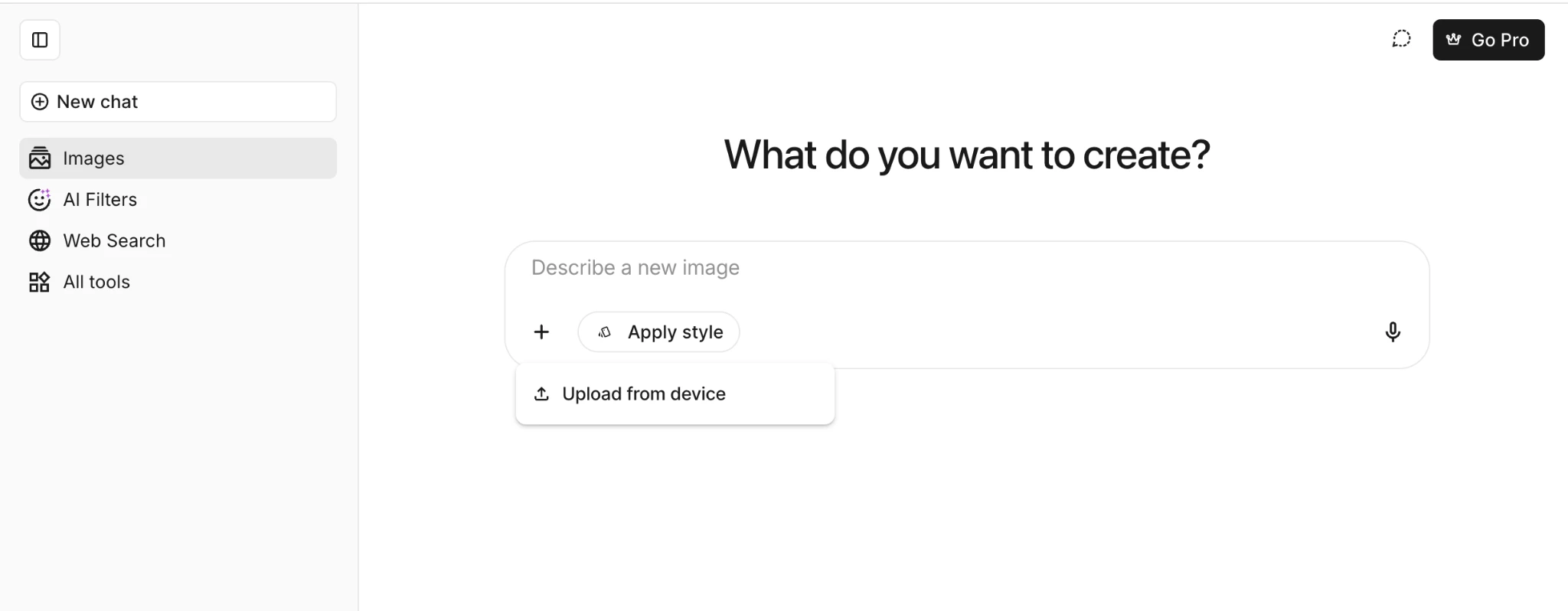
Voice input and searchable chat history round things out. The interface covers over two dozen languages, and the models themselves handle switching languages mid-conversation without stumbling.
Data and Account Security
Worth a look, given how much of this involves uploaded files. Chatbox AI encrypts data with SSL during upload and processing, adds server-side encryption on top, and uses AES so that stored data stays unreadable without proper authorization. The platform is also verified under Google Safe Browsing.
Deleting an account is straightforward too, no partial or reversible state left behind once you request it from account settings.
Reaching Support
We contacted support with a general product question. The reply came back within a reasonable window and addressed what we’d actually asked, not a copy-pasted link to an FAQ page.
Who Actually Needs This
Chatbox AI makes the most sense for people who already bounce between two or three AI tools out of habit, checking a tricky answer against both GPT and Claude, or pulling up Gemini for anything time-sensitive. Under one login instead of several open tabs and several bills, that’s a real quality-of-life upgrade.
It matters less if you’re loyal to one model and rarely feel the need to compare answers. In that case, sticking with that one provider is probably simpler.
A Few Things Worth Flagging
Nothing here is a dealbreaker, but a couple of details are worth knowing going in.
- Having several models on tap means a short adjustment period figuring out which one to reach for.
- The interface leans toward desktop. It works fine in a mobile browser, but feels most natural on a bigger screen.
- New users coming from a single chatbot might want a few sessions before they’re comfortable picking between models instead of just accepting whatever’s in front of them.
How It Stacks Up
Chatbox AI isn’t alone in this space. Poe, from Quora, offers similar multi-model access and has been around longer, though it leans more toward a marketplace of bots than a clean chat window. Perplexity takes a different approach altogether, built around search-driven answers with citations rather than general chat and creative tools. Against either, Chatbox AI’s edge is how tightly it keeps model-switching, document handling, and image generation together without feeling cluttered.
Final Thoughts
Chatbox AI delivers on its core pitch: access to several leading models through one clean interface, backed by tools that actually hold up, document chat, image generation, live search. The learning curve around picking the right model is minor, and support held up when we tested it directly.
Our take: 4.8/5. A solid pick for anyone tired of paying for separate AI subscriptions just to keep their options open. The day-to-day experience matches what the product promises upfront.