
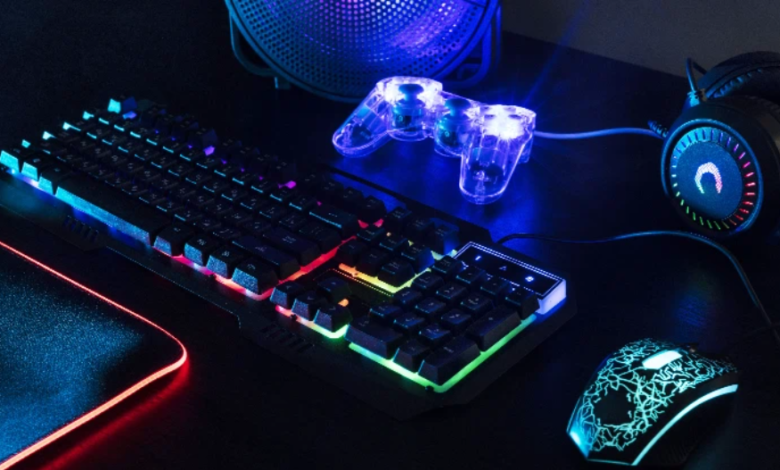

A smooth gaming experience depends on more than having expensive hardware. The performance of a computer, the speed of a player’s response, and the responsiveness of input devices can all influence how a game feels. Fortunately, users can evaluate these areas with simple online tools and performance checks. A rate my PC tool, reaction time test, and keyboard latency test can each provide useful information about different parts of the gaming experience.
Understanding “Rate My PC” Tools
The phrase rate my PC is commonly associated with tools that evaluate a computer’s hardware and provide an overview of its capabilities. These tools may consider components such as the processor, graphics card, RAM, and storage to help users understand how their system compares with typical requirements.
A PC rating can be useful when deciding whether a computer is suitable for gaming, productivity, content creation, or other demanding tasks. Gamers can use their hardware information to determine whether their system is likely to handle modern games at a desired resolution and quality level.
However, a general rating should not be considered a complete performance benchmark. Actual results depend on the specific game, graphics settings, drivers, cooling, background applications, and other factors. A PC rating is best used as a starting point for understanding hardware rather than a replacement for real-world testing.
Measure Response Speed with a Reaction Time Test
Gaming performance is not entirely determined by computer hardware. The player’s ability to respond quickly can also matter, particularly in competitive games. A reaction time test provides a simple way to measure how quickly someone responds to a visual signal.
Most reaction tests work by displaying a stimulus and asking the user to click a button or press a key as soon as they notice it. The time between the stimulus and the response is then recorded, usually in milliseconds.
Results can vary considerably depending on concentration, tiredness, familiarity with the test, and the testing environment. For this reason, performing several attempts can provide a more useful personal baseline than relying on a single result.
Reaction time tests can also be useful for tracking improvement. Someone practicing competitive gaming may repeat the same test over time and compare results under similar conditions.
Why Keyboard Latency Matters
The keyboard is another important part of a responsive gaming setup. Keyboard latency refers to the delay between pressing a key and the computer registering that input. While small differences may not be noticeable during ordinary typing, responsiveness can become more relevant in fast-paced games.
A keyboard latency test can help users evaluate how quickly their keyboard registers inputs. It can be useful when comparing different keyboards, checking a new device, or investigating whether an unusual delay is caused by hardware or software settings.
Several factors can influence keyboard latency. These include the keyboard’s connection type, polling rate, firmware, USB configuration, wireless conditions, and the software running on the computer. Keeping relevant drivers and firmware updated can also help maintain proper device operation.
Users should remember that an online test may not measure every part of the complete input chain. Display response time, game engine processing, operating system behavior, and network latency can also influence how quickly an action appears on screen.
Combining the Three Tests
Using a rate my PC assessment, reaction time test, and keyboard latency test can give gamers a broader understanding of their setup.
The PC rating focuses on hardware capabilities. The reaction test focuses on the player’s response speed, while the keyboard test examines input responsiveness. Together, these checks cover several different factors that contribute to the overall gaming experience.
For example, if a computer performs well but gameplay still feels unresponsive, checking keyboard latency and other input-related factors may provide additional information. Similarly, if input devices are responsive but a game struggles to maintain smooth frame rates, the issue may be related to hardware performance or graphics settings.
Building a More Responsive Gaming Setup
Performance testing is most useful when results are interpreted in context. A single number cannot describe the complete gaming experience, but multiple measurements can help identify areas worth investigating.
A rate my PC tool can provide an overview of hardware capabilities, while a reaction time test can help users understand their personal response speed. A keyboard latency test can add another layer by examining how quickly keyboard inputs are registered.
By evaluating hardware, human response, and input devices separately, gamers can better understand their setup and make practical improvements where necessary. These simple tests can be valuable tools for anyone looking to create a smoother, more responsive, and better-balanced gaming experience.





One Comment